

Real-time proofreading for Moodle editors
Spelling, grammar, and style checking built directly into Atto, TinyMCE, and text fields. No configuration per editor required.
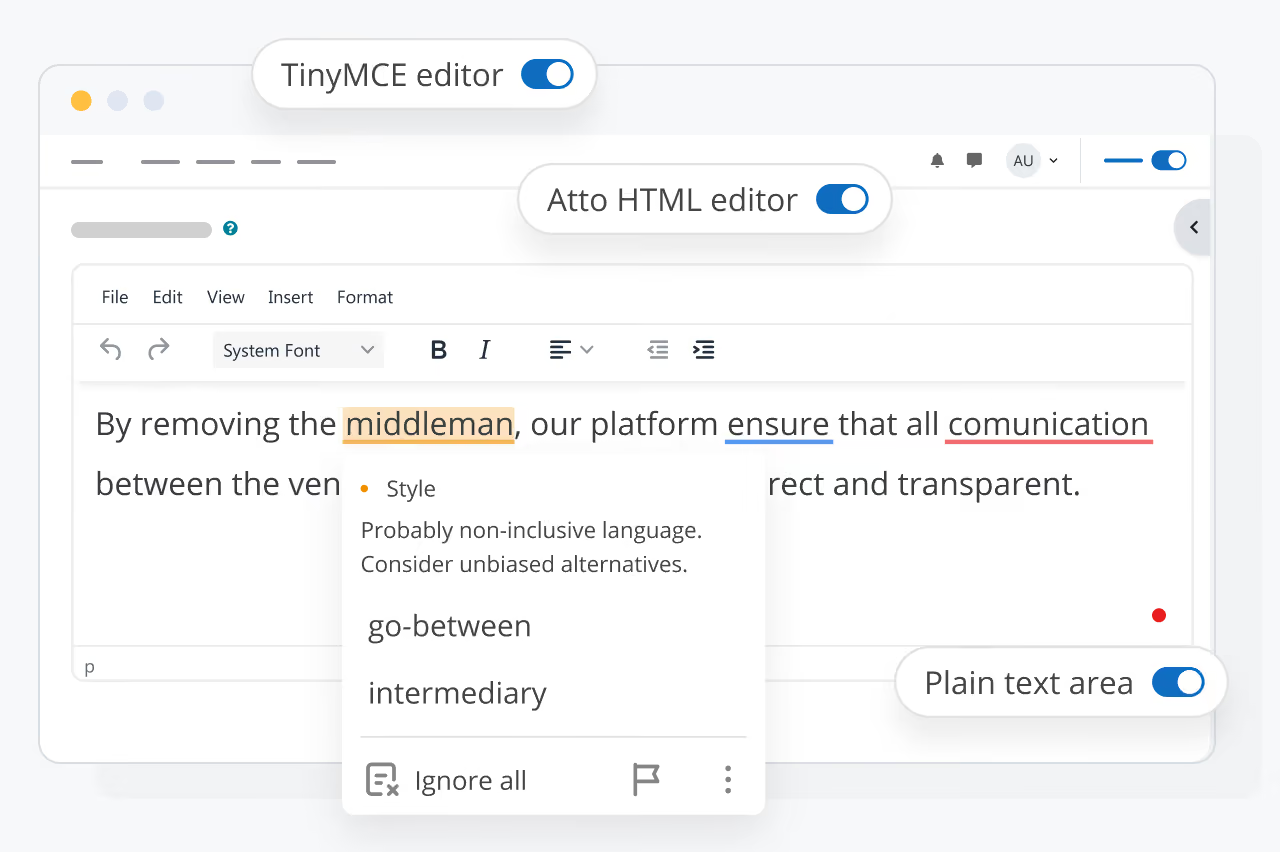

SDK component
As a part of SDK, it integrates seamlessly with the Atto editor (Moodle 4.5 LTS), TinyMCE 6 (including legacy versions) and plain HTML textareas, with no per-editor configuration required.

Ultimate proofreading
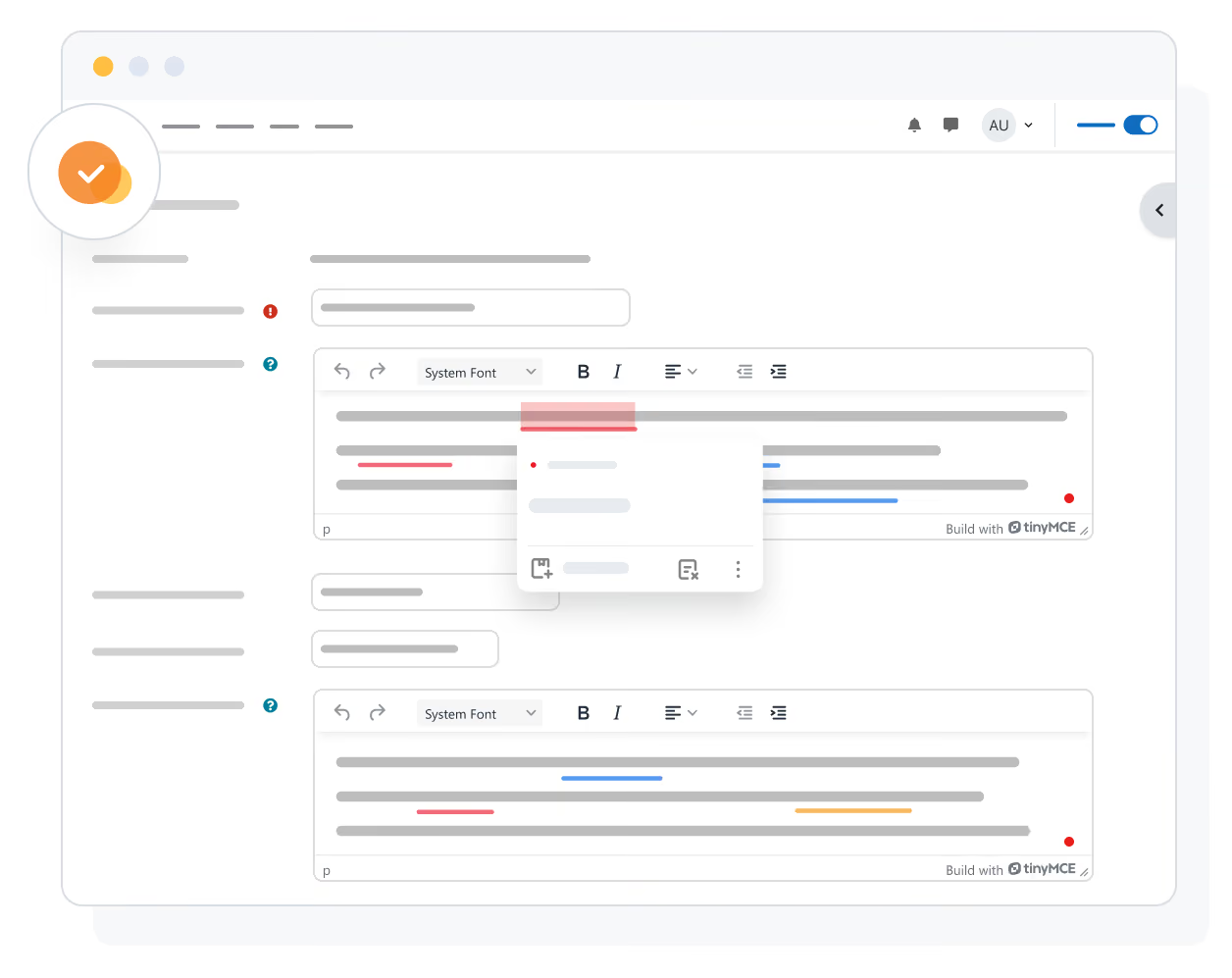
Multilingual spelling and grammar suggestions in as-you-type mode. Enable or disable separately for courses, categories, user profiles, quizzes, and site administration.

Deployment
Deploy the service in the cloud for quick setup. Self-hosting which keeps all text processing within your network is planned to be offered in the future.
Works everywhere in Moodle
WProofreader automatically detects and supports the editors your Moodle instance uses. Manual configuration is required to set up pages where WProofreader is available. Spell checking, grammar suggestions, and style feedback appear inline as users type.
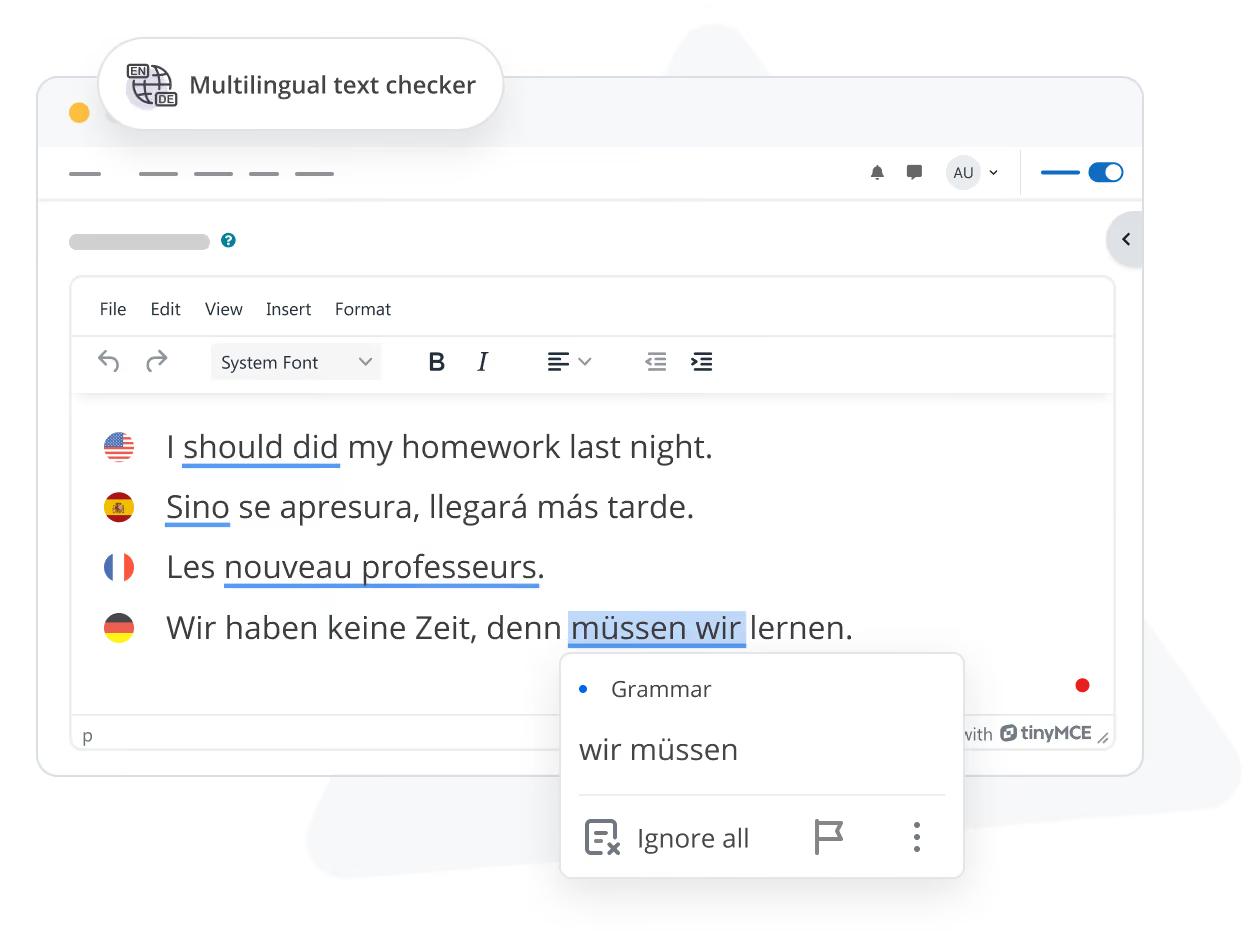
Multilingual correction with autodetect
WProofreader identifies language sentence by sentence, so multilingual content checks correctly without manual selection. Supports 20+ languages. Set a default language in settings, or let the service detect automatically as users type.
Start free, upgrade when ready
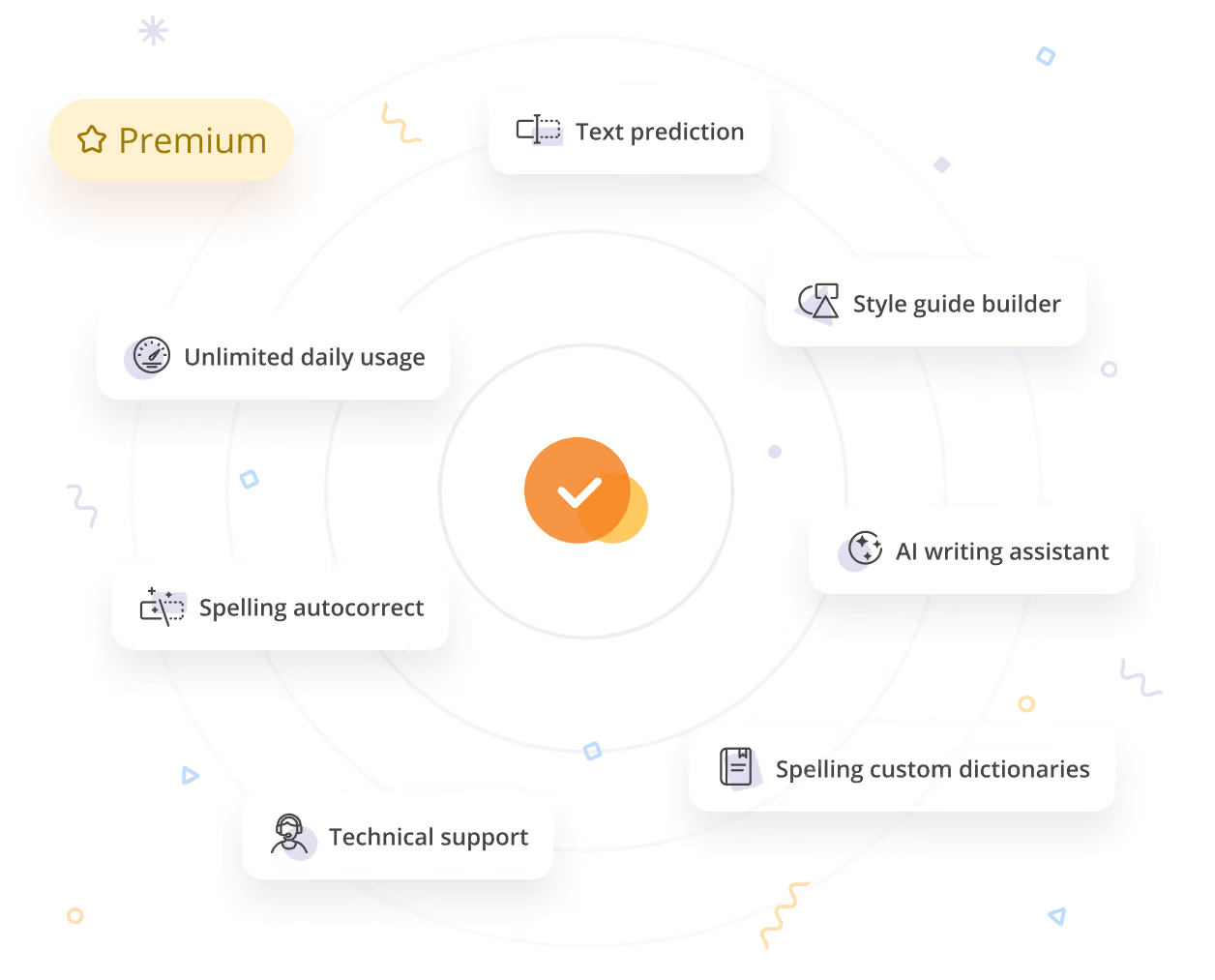
The free version ships with basic spelling and style checks, limited to 10,000 words a day across your entire Moodle site. Unlock enhanced grammar checking, the AI writing assistant, custom dictionaries, and significantly extended daily usage with a Moodle Marketplace purchase.
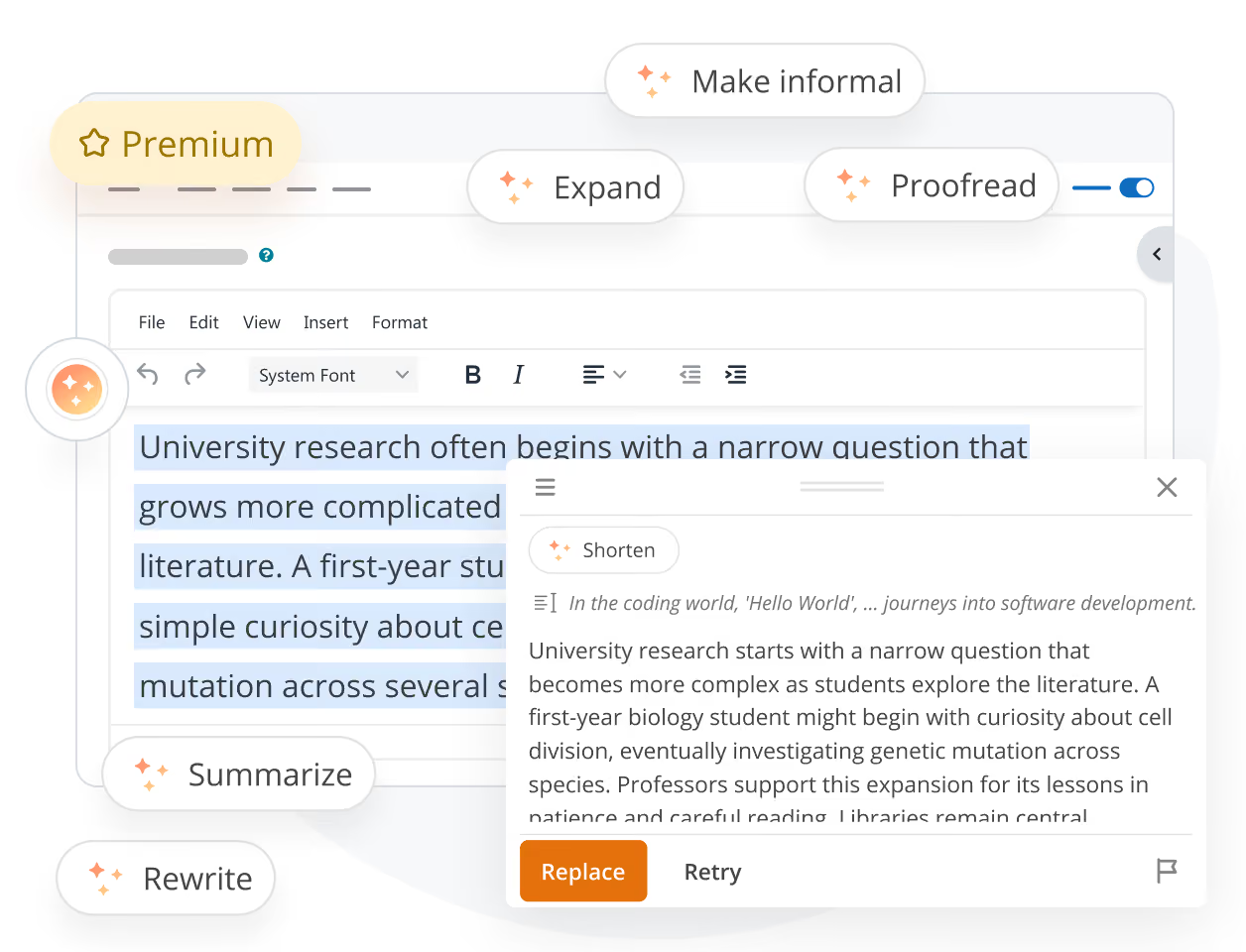
Rewrite and refine with AI
Rewrite for clarity, expand ideas, shorten long passages, make text formal or informal, summarize dense content, or polish texts with AI writing assistant. The assistant works in both inline and dialog modes. Paid feature.
Frequently asked questions
Does it work in all Moodle editors?
Yes. WProofreader auto-detects Atto (Moodle 4.5), TinyMCE 6, and plain HTML text areas. No configuration per editor is needed.
What's the difference between free and paid versions?
The free version offers spelling and basic style checks, capped at 10,000 words per day across your site. Paid versions unlock enhanced grammar checking, the AI writing assistant, custom dictionaries, and unlimited daily usage.
Can I enable it only in certain contexts?
Yes. You can toggle WProofreader on or off separately for courses and activities, course categories, user profiles, quizzes, and site administration pages.
Does it handle multiple languages?
Yes. WProofreader auto-detects language sentence by sentence, or you can pin a default language in settings. It supports 20+ languages.
What if I need to self-host?
By default, proofreading analysis happens on our WebSpellChecker service. Self-hosting is scheduled as a planned future feature. Contact our team for details.
Can’t find the answer you’re looking for? Please chat to our team.
Give it a try
Get 14 days of full access to WProofreader for TinyMCE. Test the full plugin, experience seamless proofreading, and see how it fits your workflow.