

Froala spell & grammar checker plugin
Easily integrate real-time spell & grammar check functionality with an AI rephraser into Froala WYSIWYG editor. Native UI design with flexible cloud or on-premises deployment.


SDK component
As a part of SDK, it integrates seamlessly with popular RTEs, including Froala, Quill, CKEditor, TinyMCE, etc. WProofreader can scale to meet the needs of your technology stack.

Built-in text corrector
Inside Froala, WProofreader adds spell, grammar, and style suggestions in as-you-type and in-dialog modes—bringing capabilities that the editor doesn't offer natively.

Deployment
Deploy the service in the cloud for quick setup, or host it yourself on your own infrastructure. Self-hosting keeps all text processing within your network.
All-in-one solution
WProofreader supports 80+ languages with advanced proofreading capabilities. Spelling autocorrect and text prediction to speed up writing. Custom dictionaries for specific terminology. Style guide rules and builder to align with corporate communication guides.
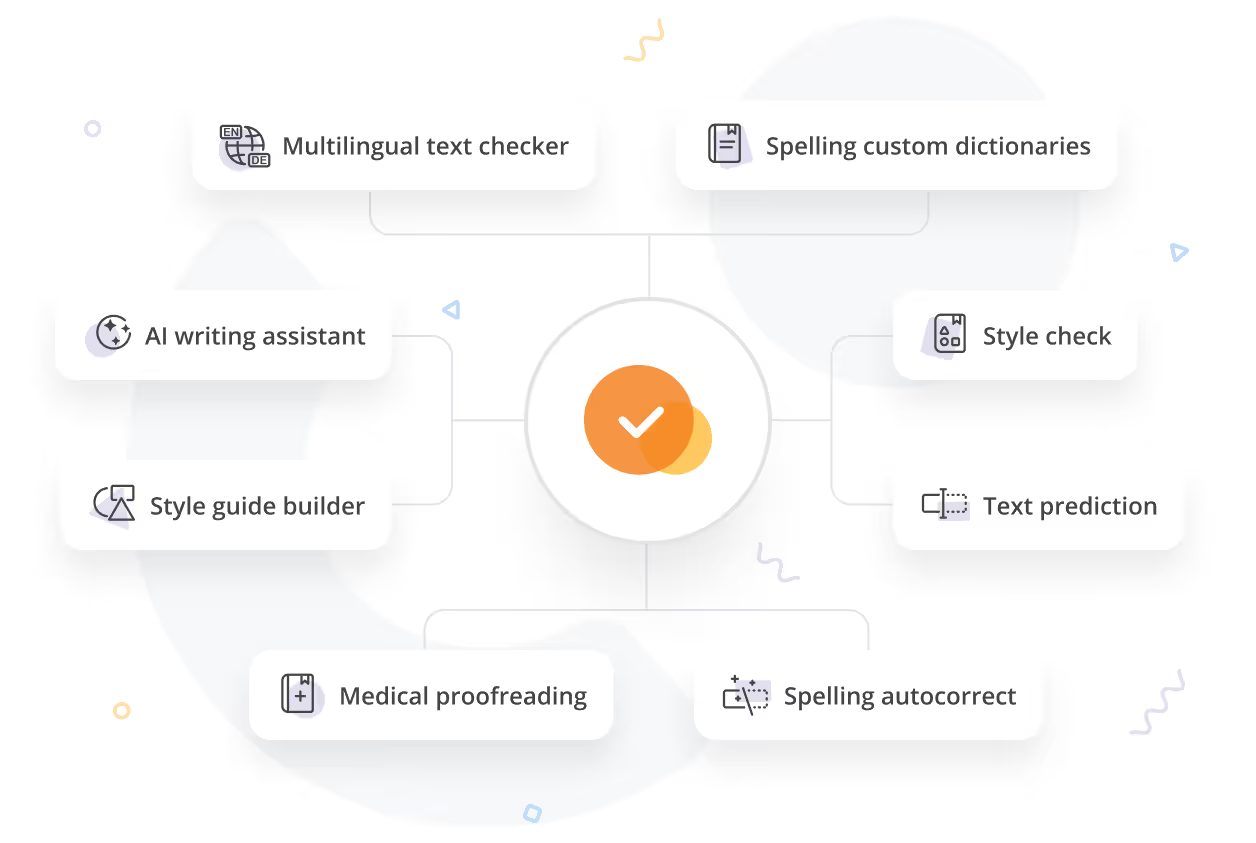

AI writing assistant
WProofreader brings an AI writing assistant directly into Froala for paraphrasing and text rewriting. Shorten, expand, rewrite, improve, summarize, or switch tone—all without leaving the editor. Available for 10+ languages, including English, German, French, Spanish, and more.
Configuration
Control the default language, UI localization, visible interface elements, check types, custom dictionaries, and more—all through a JavaScript config object.
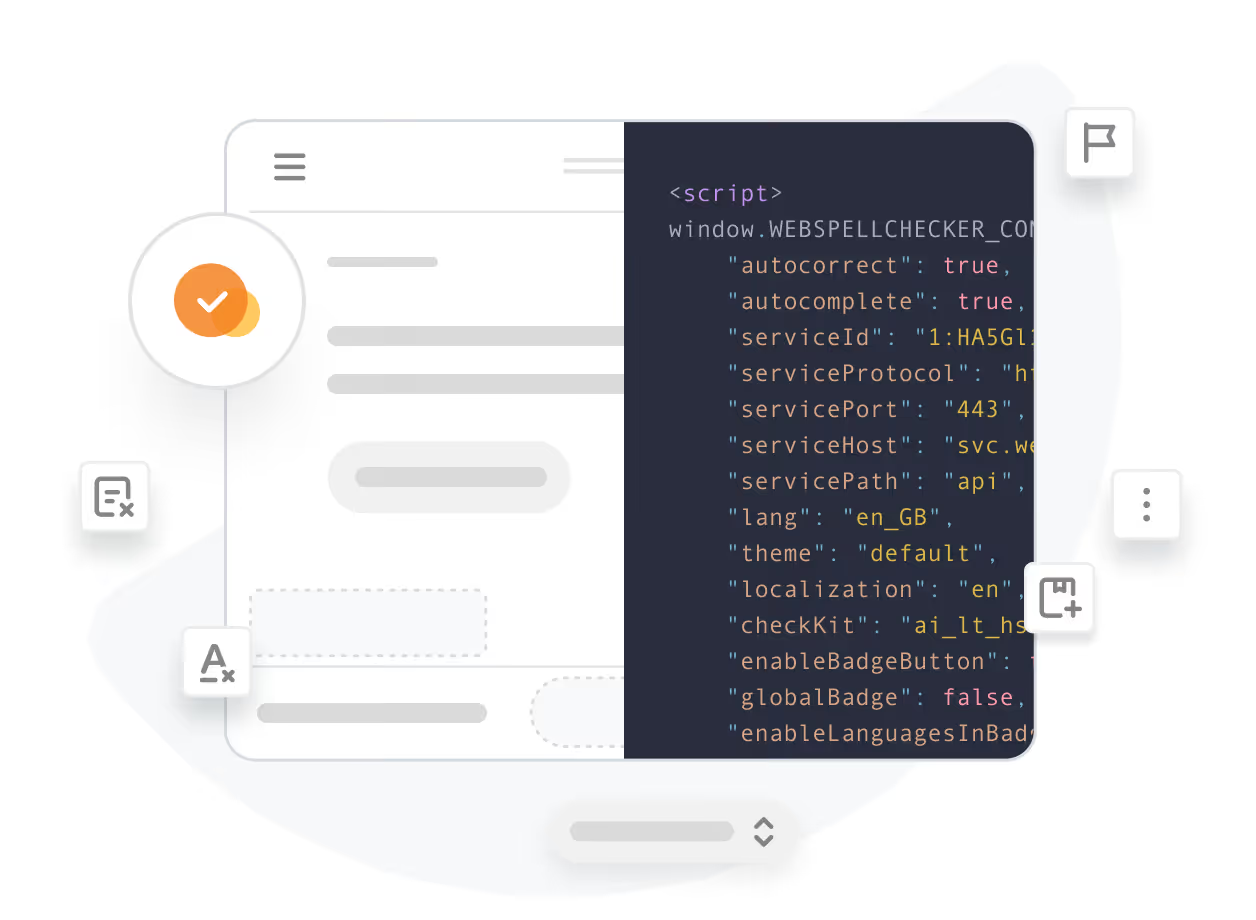
Developer-friendly integration
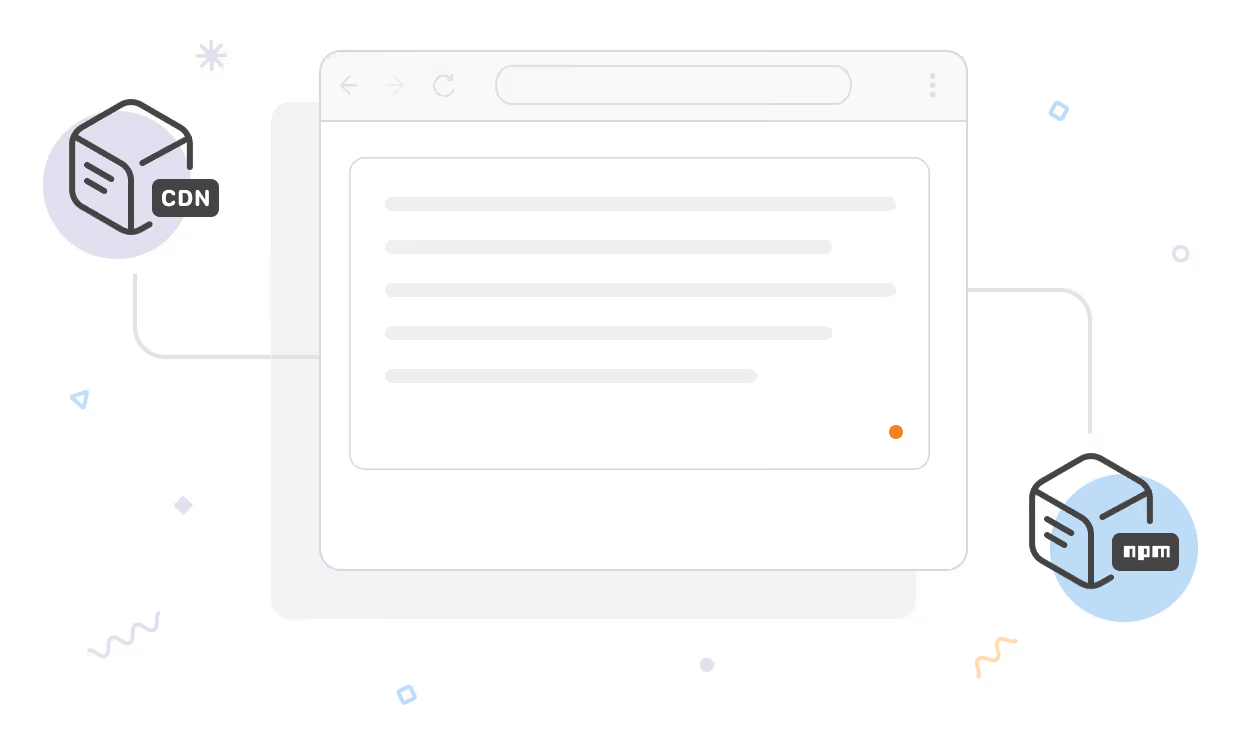
Choose the integration path that fits your workflow:
Script-based
Add a configuration object and the WProofreader script to your HTML page.
NPM-based
A universal package that works with any editor, including Froala.
Check documentation for details.
Frequently asked questions
How do I add WProofreader to Froala?
Include a script tag or install via npm. Three steps: install, configure, initialize. See the integration guide for details.
Which Froala versions are supported?
The script-based integration is compatible with the latest Froala version.
How can I purchase WProofreader for Froala?
You can purchase the integration as a part of any SDK plan. The support for the integration is provided by our team.
What is WProofreader AI writing assistant?
WProofreader AI writing assistant is a universal text rewriter that changes the text size, formality, style, wording, summarizes or proofreads on the user’s request.
Can I self-host it?
Yes. Deploy on your own servers so all text processing stays within your infrastructure.
Can’t find the answer you’re looking for? Please chat to our team.
Give it a try
Get 14 days of full access to WProofreader for Froala. Test the full integration, experience seamless proofreading, and see how it fits your workflow.