

Proofreading for exams with graded writing
Multilingual spelling, grammar, and style checking embedded in your test runner and authoring tools.
For whom

Platforms delivered to governments
Your buyers are ministries of education, awarding bodies and national exam boards. Requirements arrive fixed in a tender document, including which languages and varieties you must support.

Systems you operate yourself
You run the platform and sell access directly. Locked exams, home exams, diagnostic tests and practice attempts each need their own proofreading rules.

Authoring, materials and feedback
Teachers write questions, task instructions and learning materials. Same integration, no new stakeholders, more text worth checking.
Benefits

Language coverage
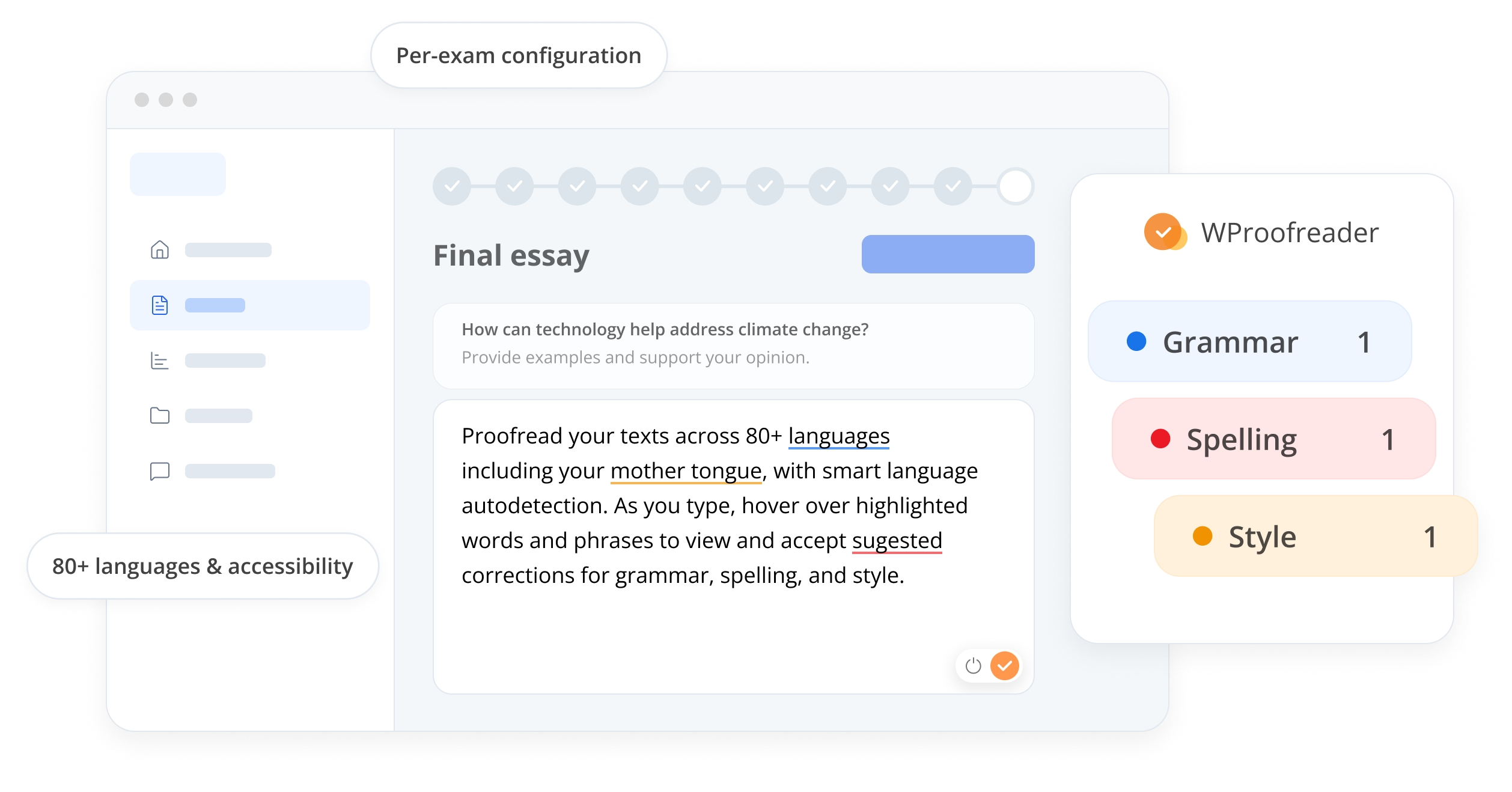
Spelling and grammar across 80+ languages and language varieties. American and British English, Bokmål and Nynorsk, with autodetect resolving language sentence by sentence in multilingual answers.

Embedded text check
Integrated as an SDK component into your test runner, authoring and grading views. As-you-type spelling and grammar suggestions, tuned so correct answers are not flagged.

Stable performance
Verified under load, not just in normal use. Hundreds of thousands of concurrent candidates, 99.95% uptime, and capacity planned with your team ahead of the exam window.
Works in any assessment system
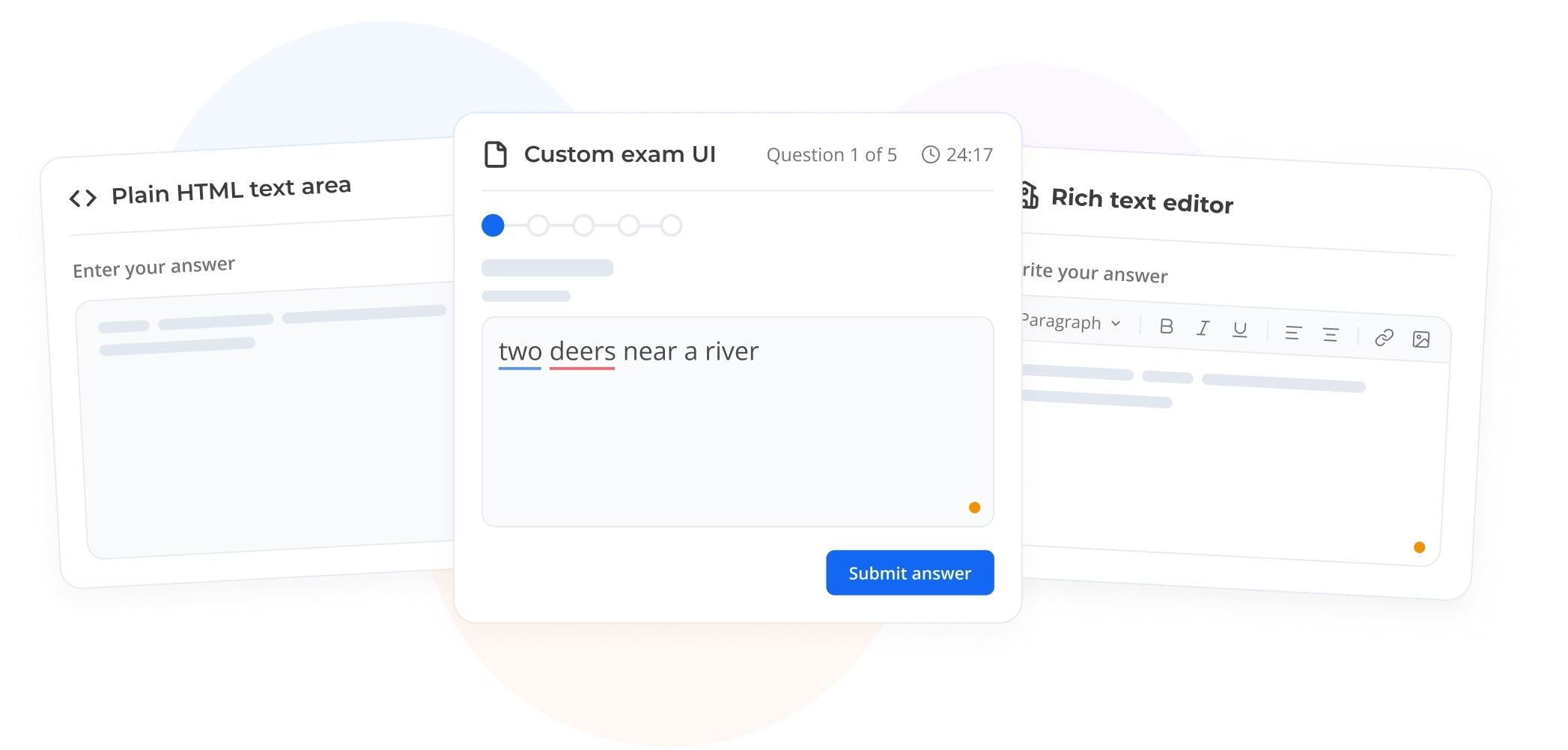
Rich text editors, plain HTML text areas, or your own custom answer field. WProofreader integrates as an SDK component into the view candidates already use, so nothing about their exam experience changes.
Correct answers stay unflagged
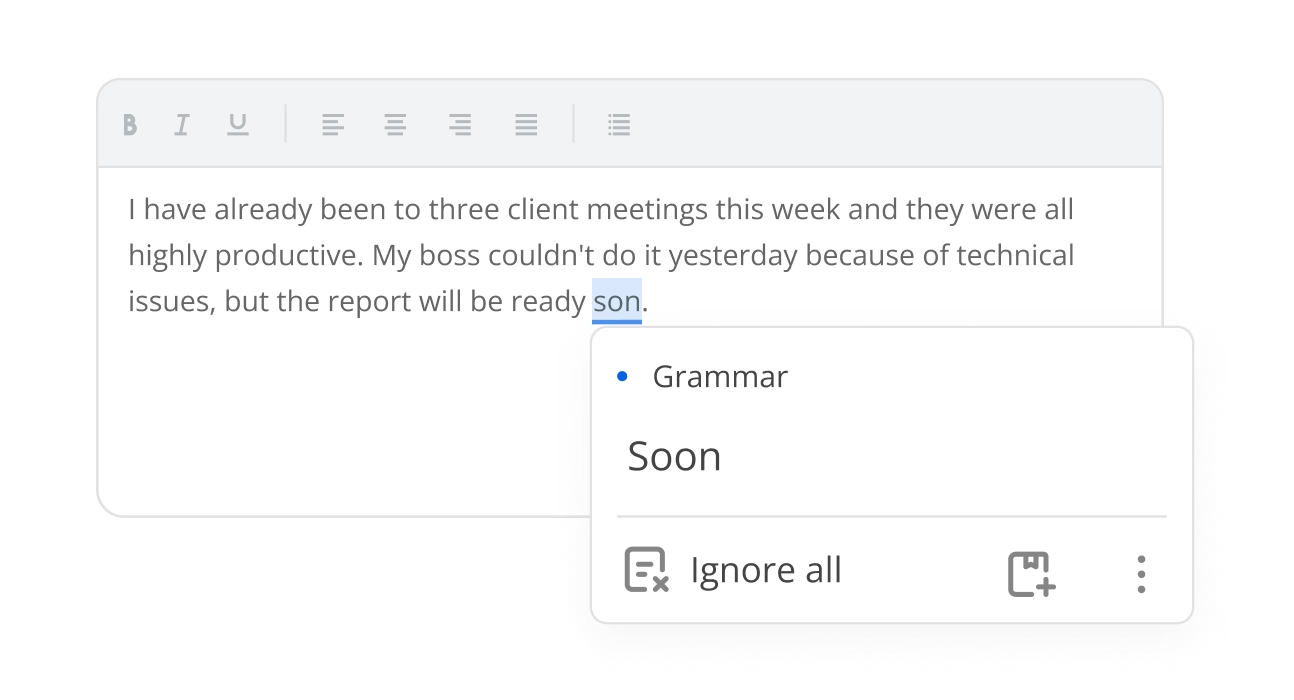
Nothing correct gets highlighted. A word wrongly marked as an error can cost a candidate marks and cost you a complaint. WProofreader is tuned to leave correct writing alone, and you can verify that against candidate responses before they’re scored.
Results as data, not just highlights
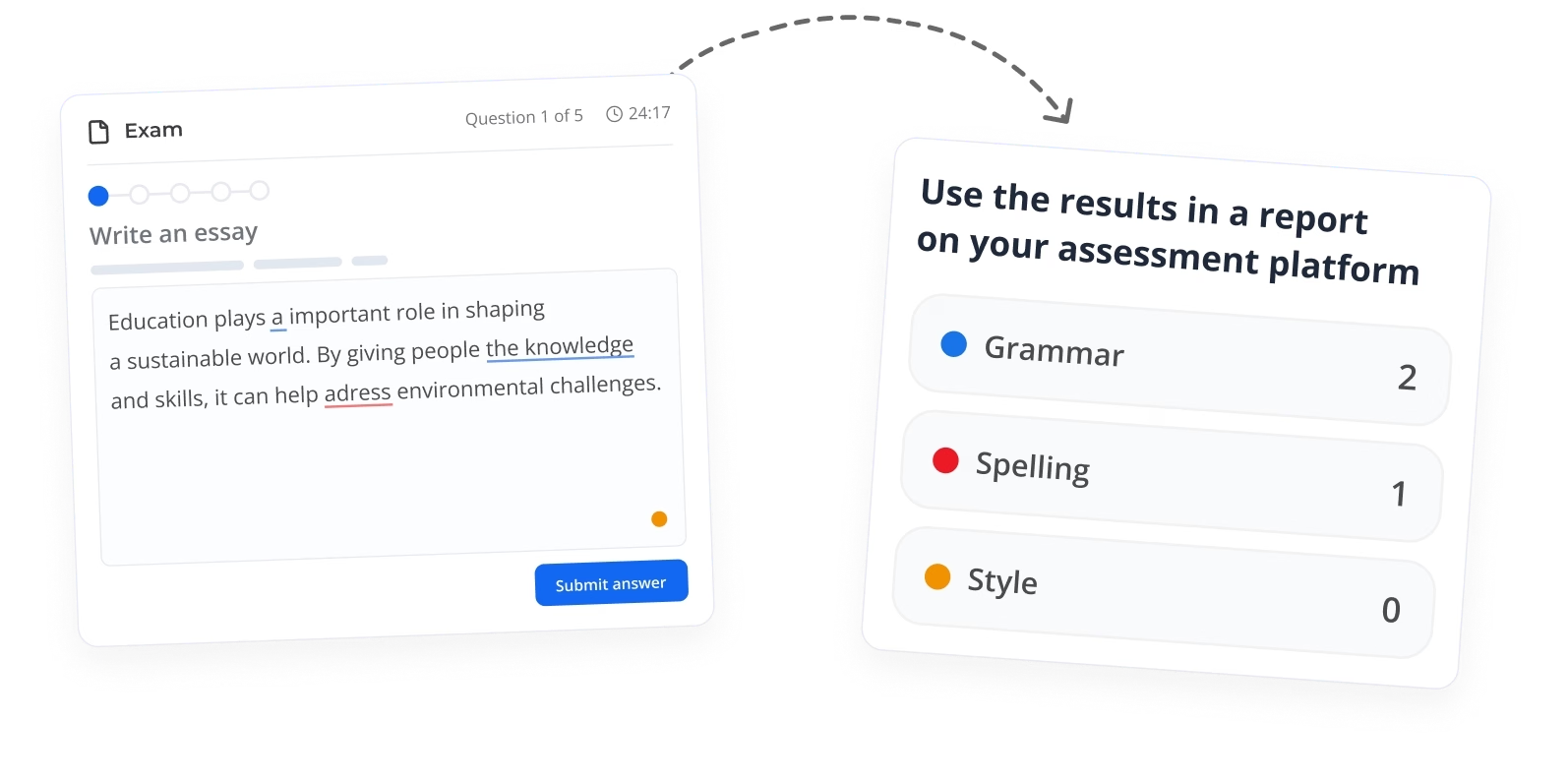
Beyond inline highlights, WProofreader returns the check results to your own code. Count them, score them, report on them, or feed them into candidate feedback.
Flexible configuration
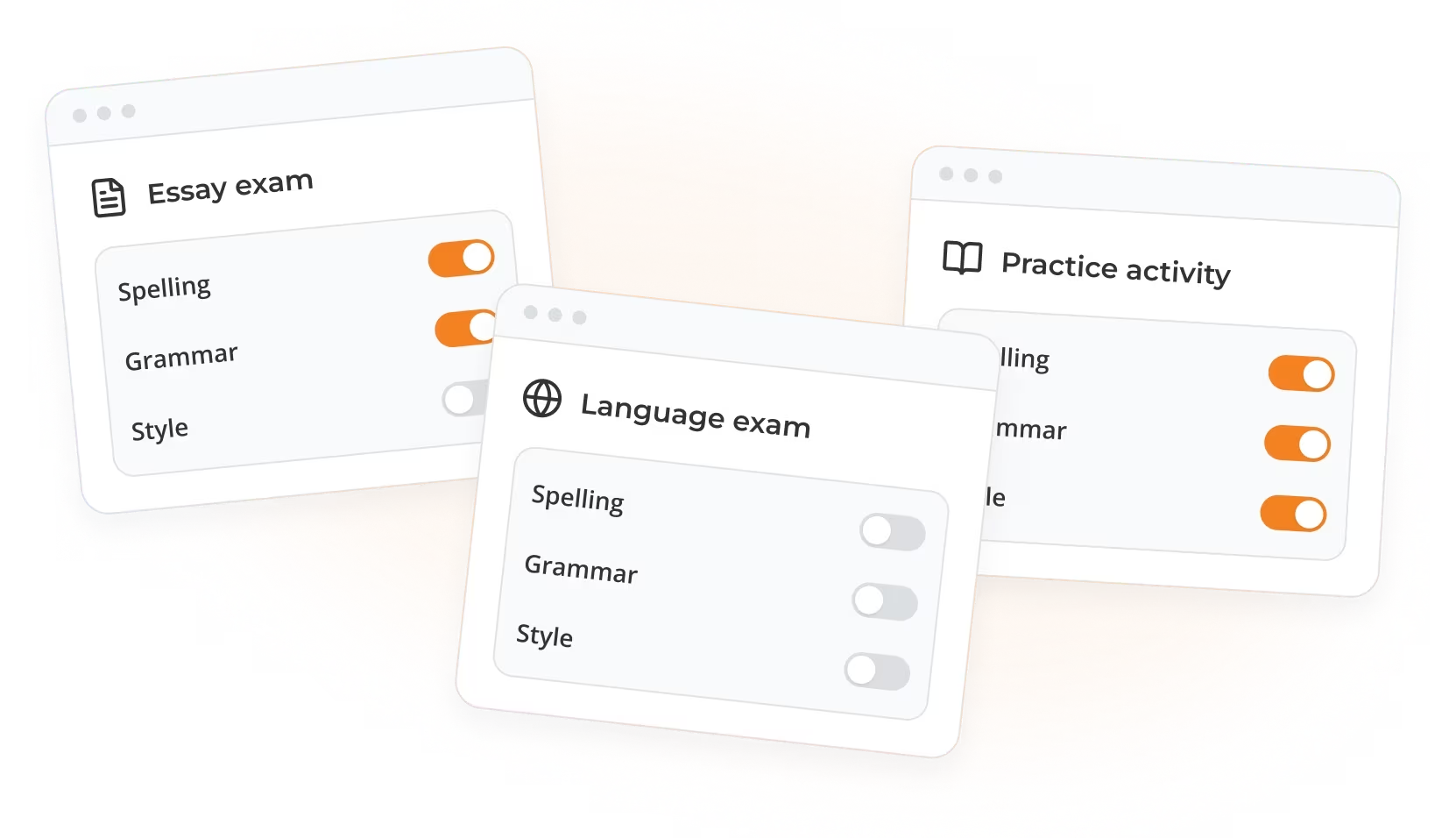
Turn spelling and grammar on, leave style off, or switch everything off for a language exam or individual. Configured per user, per exam and per activity, so one integration behaves correctly everywhere.
Accessibility
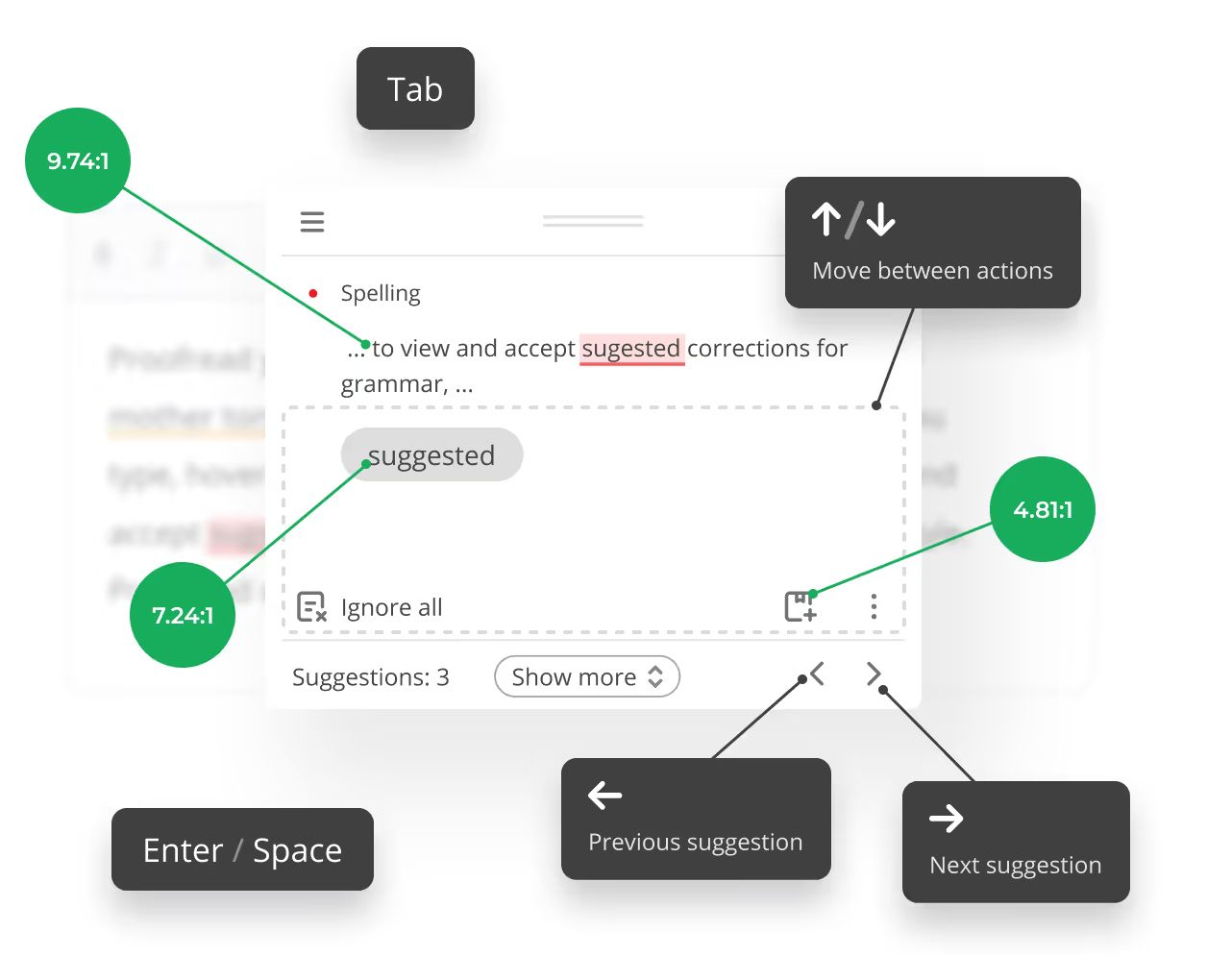
Exams should measure writing, not software skills. Suggestions behave the way all users, including those with cognitive disabilities already expect. With full keyboard navigation throughout and WCAG 2.1 Level A and AA coverage, users get the same support as everyone else.

Frequently asked questions
Can I try WProofreader SDK for free?
Yes. The free plan is permanent, with basic checking up to a daily word limit. Paid features come with a 14-day trial in the cloud and 30 days on-premises.
What’s the difference between the cloud and standalone versions?
The cloud version is the easiest way to start. We host everything for you on AWS servers in the US East region, so you don’t need to manage any infrastructure. You simply integrate the frontend while we handle the backend.
The on-premises solution provides full control and keeps all data within your own infrastructure, making it ideal for organizations with strict security or compliance needs. This option supports various operating systems, including Windows Server and multiple Linux distributions, and is compatible with virtualization and containerization technologies. Each release undergoes extensive testing to ensure smooth deployment and optimal performance across diverse environments, including compatibility with web servers like NGINX and Apache, and proper JVM configuration.
Both options prioritize security with regular updates and thorough testing to ensure smooth operation. While the cloud uses powerful GPUs for AI tasks, the on-premises solution is optimized for efficient performance on standard CPU hardware.
Does it handle multiple languages?
Yes. WProofreader auto-detects language sentence by sentence, or you can pin a default language in settings. It supports 80+ languages and dialects.
Will WProofreader work with the editable fields in my assessment system?
WProofreader works with almost any editable field in your assessment system, whether it’s an HTML control or WYSIWYG editor. This compatibility applies both to our browser extensions and to integrations via our SDK, which supports popular editors like CKEditor, Froala, TinyMCE, Quill, Tiptap and frameworks like Angular, React, and Vue.js.
Does WProofreader meet accessibility standards?
WProofreader is compliant with WCAG 2.1 and Section 508 accessibility standards, which makes it convenient for all users, regardless of the limitations they might be facing.
WProofreader comes with keyboard navigation, and its UI is designed to be universally readable. There are different themes, UI localizations, and extra settings to suit your needs. The on-premises version gives you even more ways to customize it.
Can’t find the answer you’re looking for? Please chat to our team.
See WProofreader in action
The best way to understand WProofreader is to experience it for yourself. Explore its key features with your own text and see how they work in practice.
