

Deeply integrated plugin for CKEditor 5
The only spell and grammar check plugin for CKEditor 5 out there. Natively integrates into the environment for text correction and rewrite.


SDK component
As a part of SDK, it integrates seamlessly with popular RTEs, including CKEditor, TinyMCE, Froala, Quill, etc. WProofreader can scale to meet the needs of your entire technology stack.

Built-in text corrector
Inside CKEditor 5, WProofreader offers spell, grammar, punctuation and style suggestions in as-you-type and in-dialog modes. AI writing assistant for text paraphrasing.

Deployment
Deploy the service in the cloud for quick setup, or host it yourself on your own infrastructure. Self-hosting keeps all text processing within your network.
Dedicated plugin with a theme
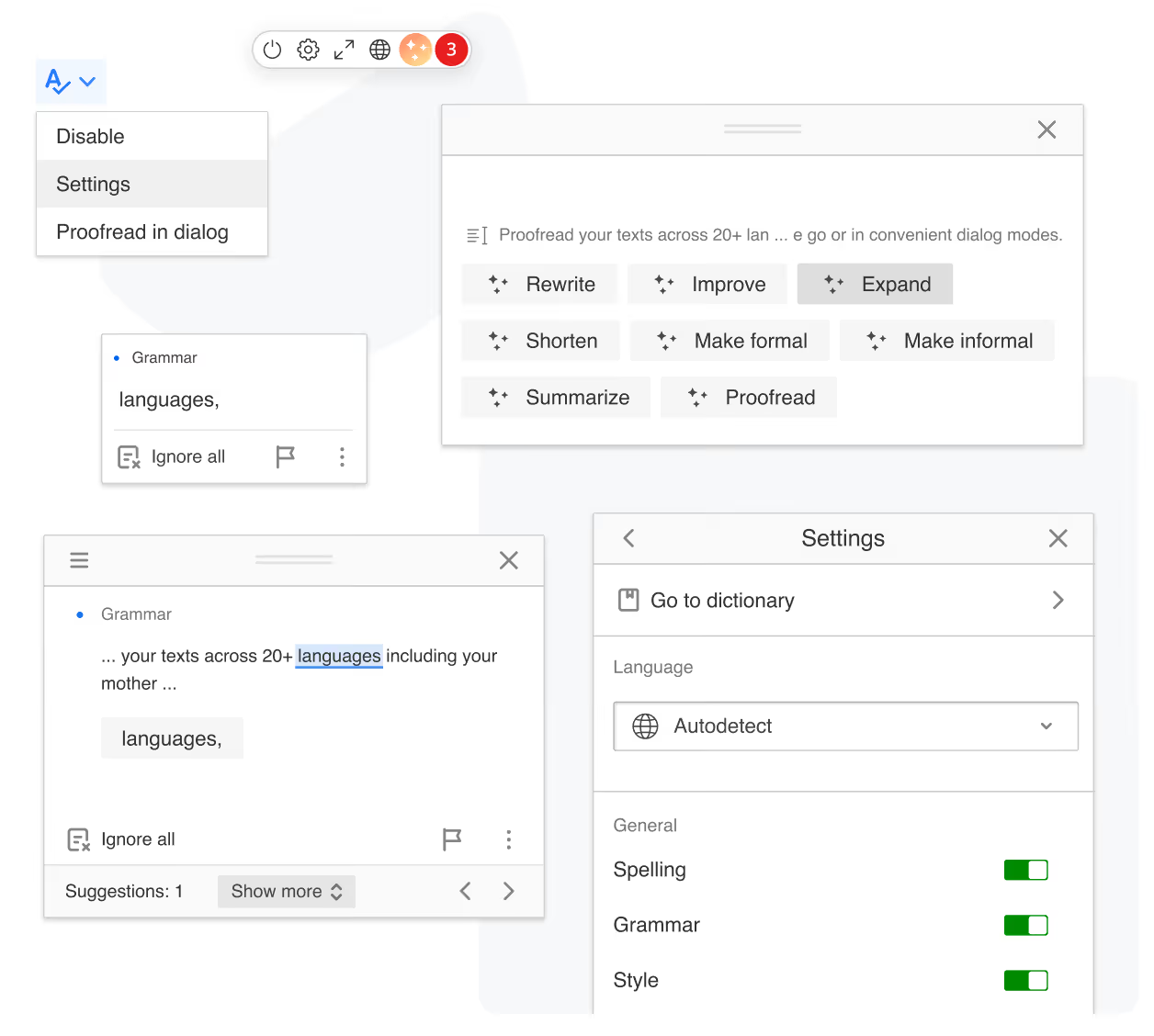
An off-the-shelf CKEditor 5 plugin integrated as a proofreader icon and a badge to the editor toolbar with a custom theme. Available as an npm package.
Native CKEditor 5 modes support
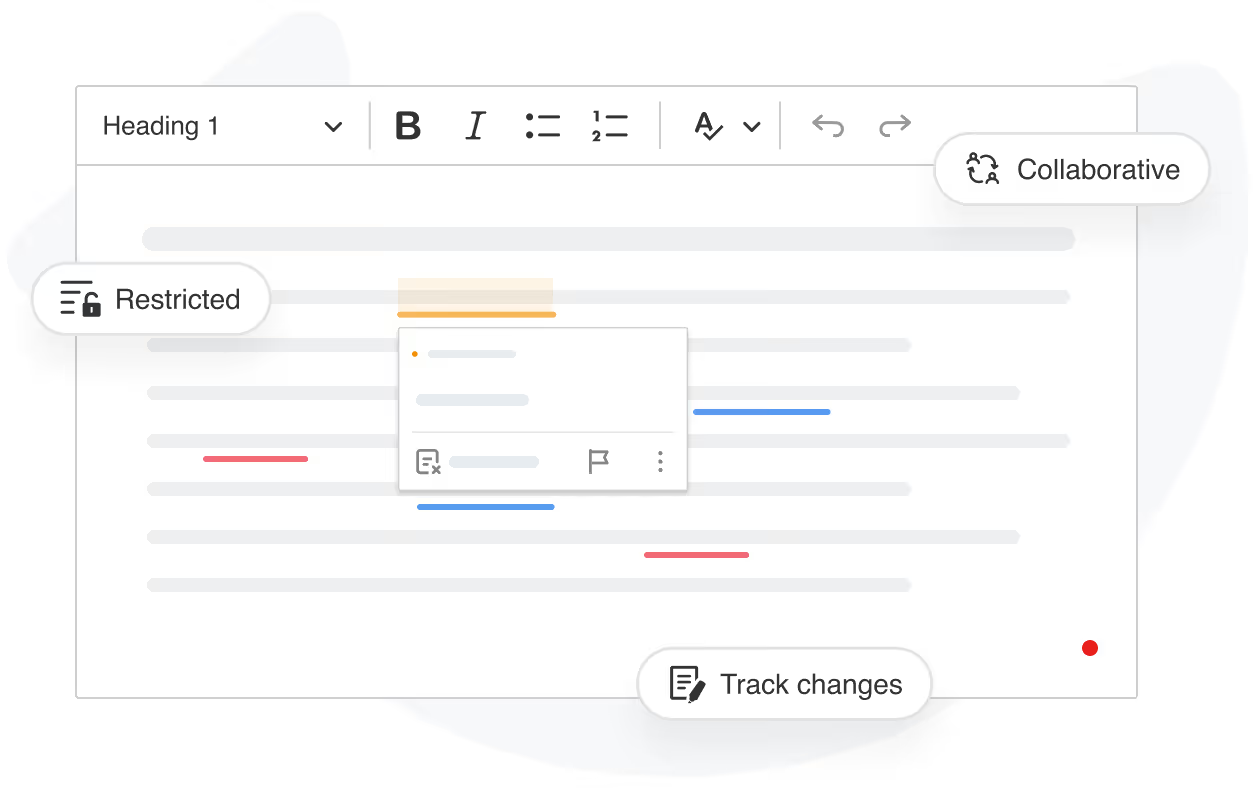
Unlike browser spell check, WProofreader operates seamlessly in the restricted, collaborative, and track changes modes. Proofreading occurs in real-time and in the text changes preview.
All-in-one solution
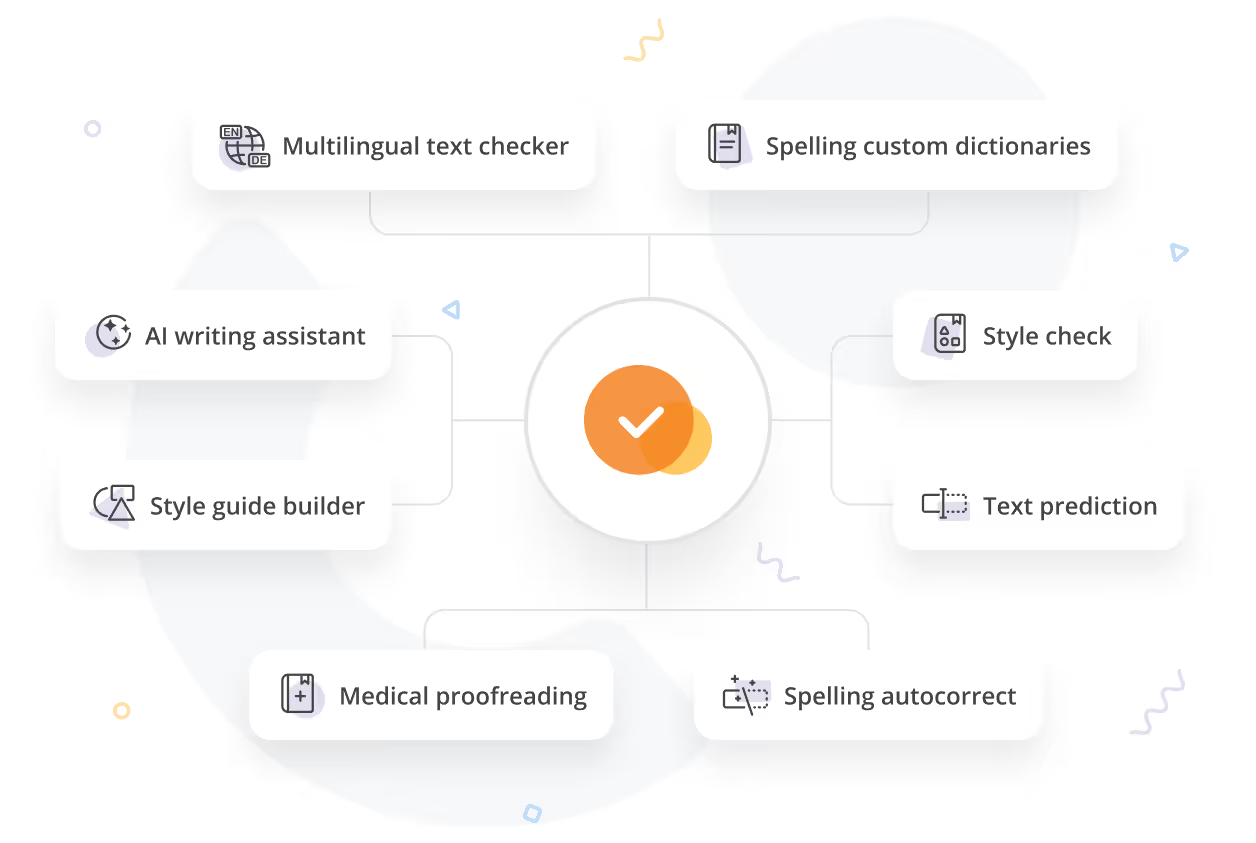
WProofreader supports 20+ languages with advanced proofreading capabilities. Spelling autocorrect and text prediction to speed up writing. Custom dictionaries for specific terminology. Style guide rules and builder to align with corporate communication guides.
Configuration
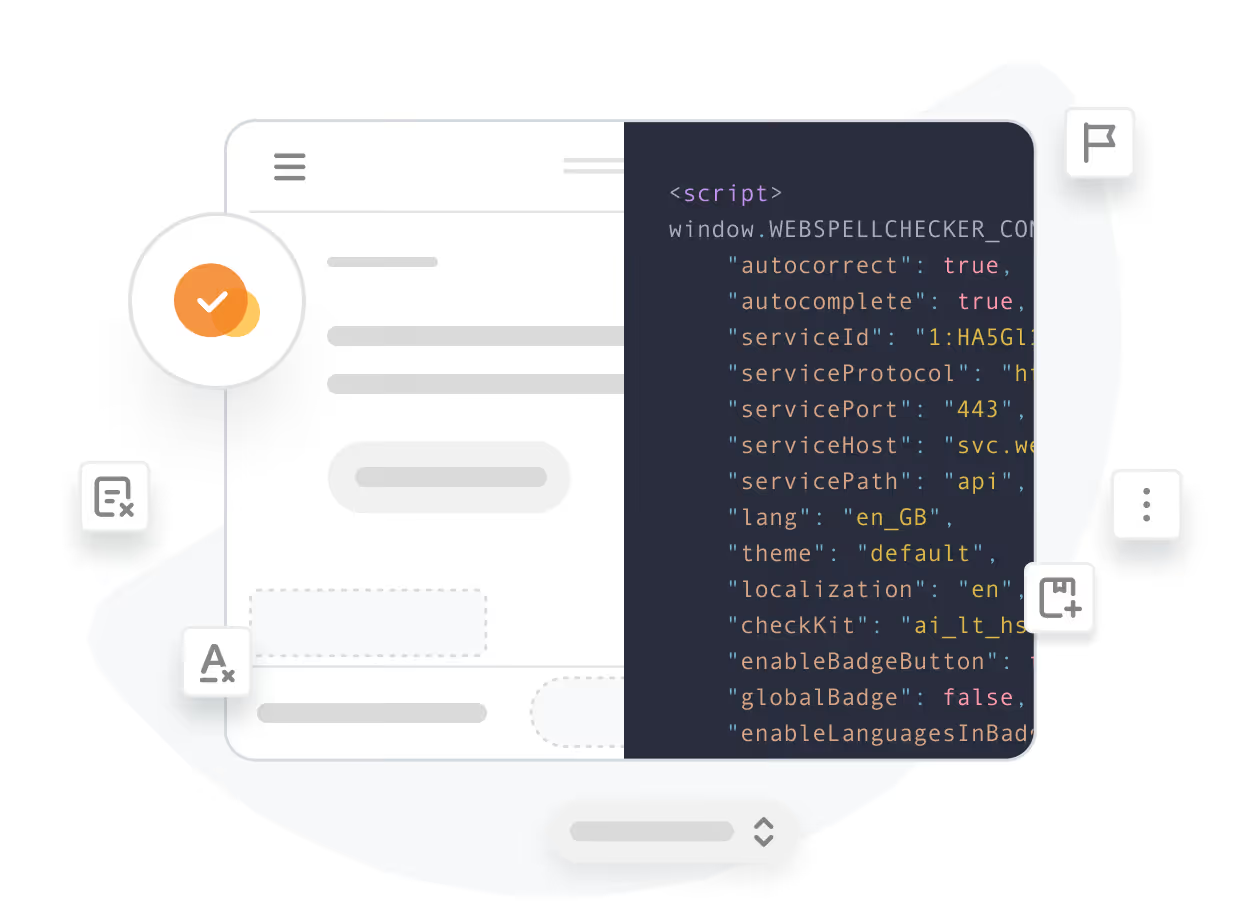
Control the default language, UI localization, visible interface elements, check types, custom dictionaries, and more—all through a JavaScript config object.
Developer-friendly integration
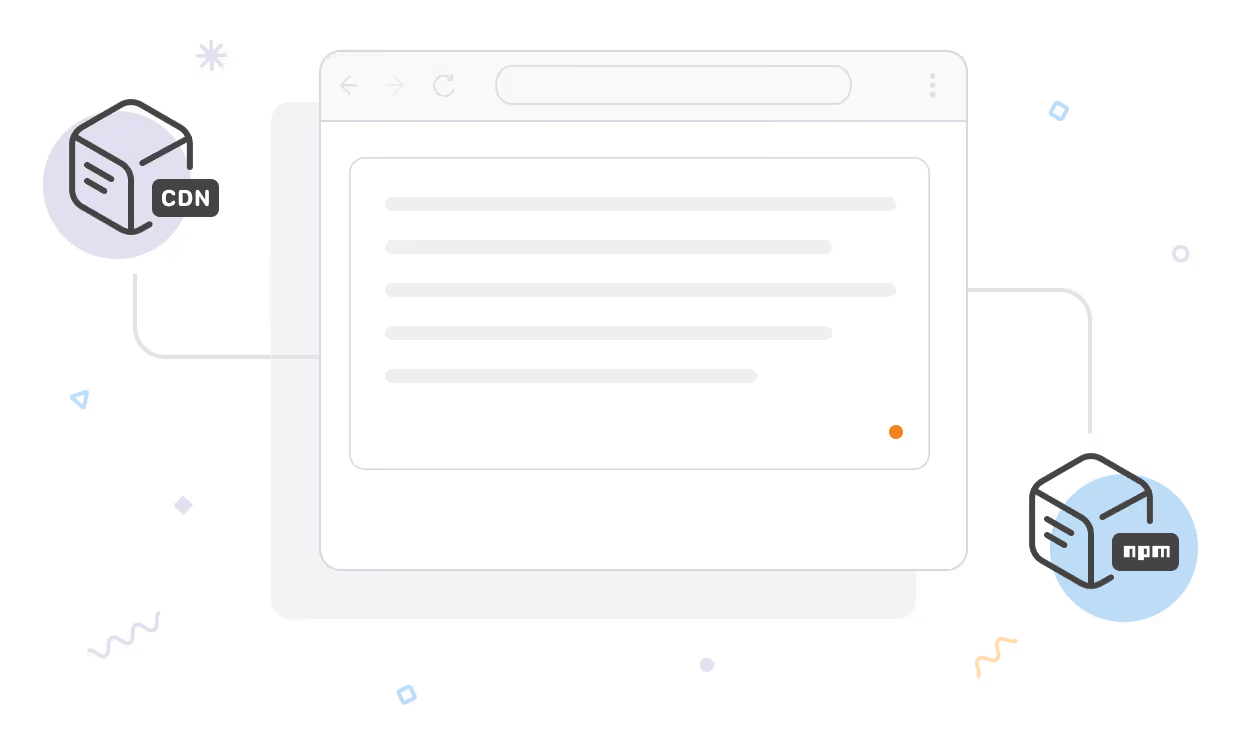
Choose the integration path that fits your workflow:
Script-based
Add a configuration object and the WProofreader script to your HTML page. WProofreader can automatically initialize in editable elements when they receive focus, or be initialized directly on a specific element.
Dedicated plugin
A purpose-built plugin that adds a toolbar button and a badge for deep integration with editor features. Can be loaded script-based via CDN or installed via npm. See live demo.
NPM-based
A universal package that works with any editor, including CKEditor 5. A good fit for JavaScript framework-based projects or when you use multiple editors and want a single proofreading dependency. See examples.
Frequently asked questions
Which CKEditor 5 versions are supported?
The dedicated plugin is available for CKEditor 5. The script-based integration is compatible with CKEditor 3+ versions.
How can I purchase WProofreader for CKEditor 5?
You can purchase the plugin directly from WebSpellChecker or reach out to CKSource, who are the authorized reseller of WProofreader. The support for the integration is provided by our team.
What is the difference between CKEditor AI and WProofreader AI writing assistant?
WProofreader AI writing assistant is a universal text inside WProofreader SDK rewriter that changes the text size, formality, style, wording, summarizes or proofreads on the user’s request.
CKEditor AI is a separate solution offered by CKSource, AI-powered writing assistant that integrates directly into our rich-text editor, CKEditor 5, providing instant text rewriting, summarization, correction, and contextual chat help based on internal style guides.
Can I self-host it?
Yes. Deploy on your own servers so all text processing stays within your infrastructure.
Can’t find the answer you’re looking for? Please chat to our team.
Give it a try
Get 14 days of full access to WProofreader for CKEditor 5. Test the full plugin, experience seamless proofreading, and see how it fits your workflow.