

Lorem ipsum
Integrate pre-built JavaScript libraries for WYSIWYG editors or deploy a standalone API to season your apps and systems with proofreading & rewording functionality—and go!
For any developer expertise. Tech support from our side is guaranteed.
Demo text size is limited to 2000 characters.
Why WProofreader?
Backed by AI, but made with a human touch. Shipped as a plug-and-play, integrated effortlessly. Can be deployed in the cloud and on-premises.

Deployment options
Both cloud and self-hosted (incl. private and shared cloud) deployment options are available. Compliance with security and data privacy standards: GDPR, HIPAA, SOC 2 and ISO/IEC 27001. Learn more. AMD and ARM architectures support. Reasonable hardware requirements: CPU-based instances.

Compatibility
Opt for a customizable and powerful point of integration with different lightweight web-based systems, classic editable elements like <textarea>, <element contenteditable=”true” and “false”>, <textarea readonly> within your own stack. Reasonable development efforts are needed with guaranteed tech support.

Admin panel for functionality management
A handy admin panel for the proofreading functionality management, incl. subscription, analytics, custom dictionaries and rules, and team users. Available for cloud clients, on-prem support is on the way.
Customization
Flexible and customizable UI of JavaScript component. Tweak WProofreader effortlessly to meet your organization needs: choose the primary language, set UI localization, disable tabs in settings, extend user dictionaries, personalize the look with “gray”, “dark” and “custom” themes.
Accessibility compliance
We regularly self-run accessibility testing and update our VPAT reports available on-demand to make sure WProofreader is still convenient for all users, regardless of the limitations they might be facing. The results we obtained show that WProofreader meets the majority of success criteria on Level A and AA of WCAG 2.1.
The cool thing about WProofreader is how keyboard navigation, which makes all the actions with the software available for users with different abilities.

Customer support
We'll get back to you on any sales or tech requests within a business day. And if you need help setting WProofreader up, we'll happily walk you through it.
Updates and patch management
We keep WProofreader text checker at its best with regular product updates packed with cool new features. Our hassle-free patch management squashes bugs before they bug you.
Environments & integrations
Lorem ipsum

Google Workspace

Outlook

Jira


Salesforce

Notion

Zendesk
Don’t see your fav tool in the list? No worries, just let us know and we’ll check it out if WProofreader is compatible with your choice.
What’s inside WProofreader SDK?
Integrate pre-built JavaScript libraries into HTML elements, WYSIWYG editors, CMS or use an off-the-shelf extension to season your apps and systems with proofreading & rewording functionality. Build and go!
Post Your Job
Easily create and publish engaging job listings.
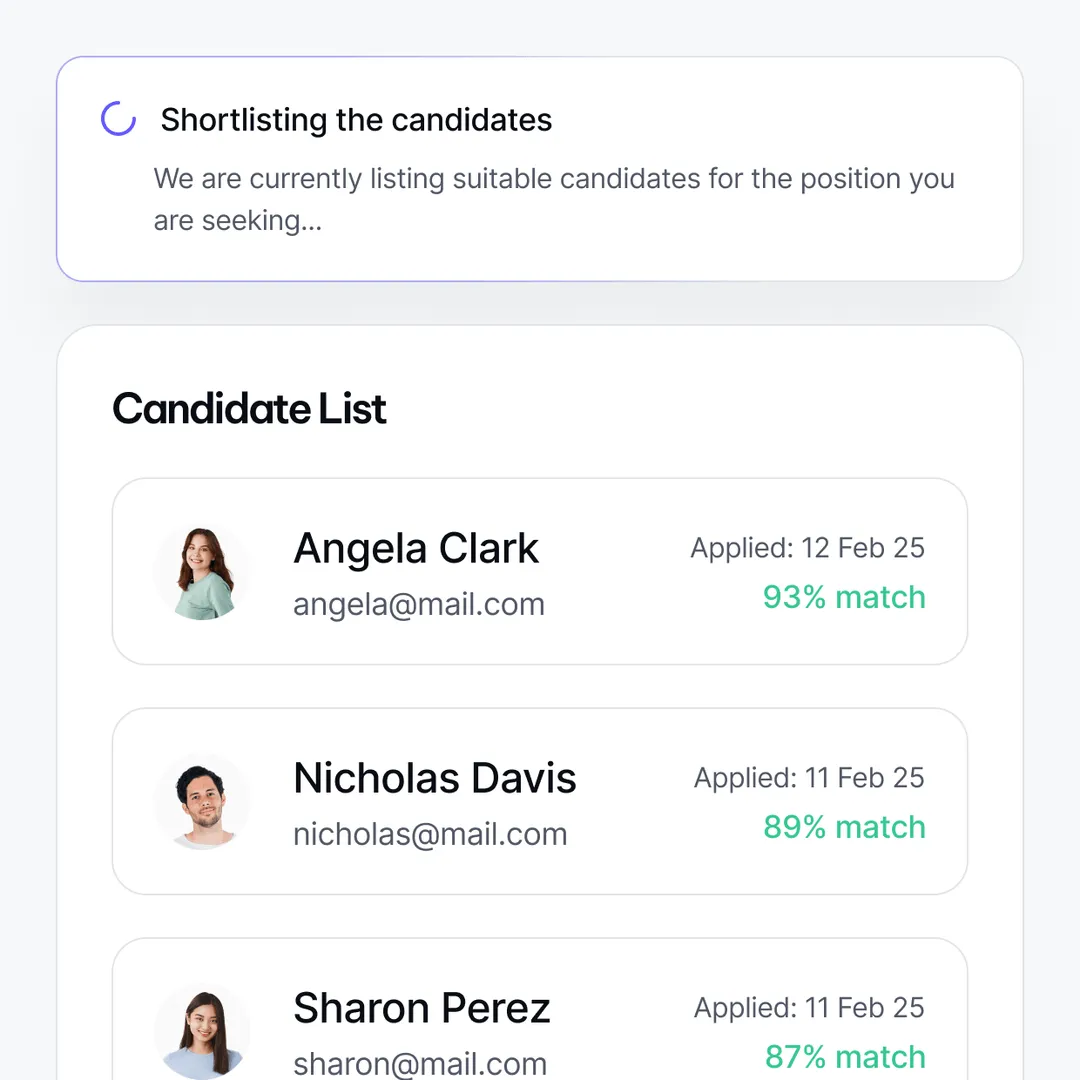
Shortlist Candidates
Let AIspire’s algorithms screen resumes.
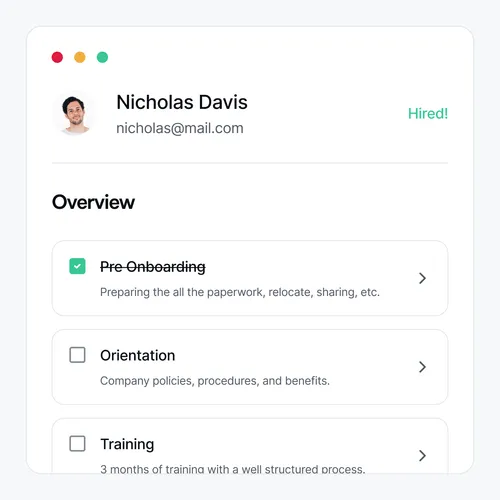
Hire and Onboard
Finalize hiring and onboard new employees smoothly.
Pricing
Absolutely free for individuals, fairly priced for corporate clients. With our reasonable pricing, you always know what you pay for.
Free
For anyone who writes anything anywhere online.
Free
For anyone who writes anything anywhere online.
Standalone solution is hosted on your server (in private cloud or on-premises). Alternatively, we can host the solution for you. Our infrastructure is run on AWS with data centers in the US East region.
Business
For any team and organization with any proofreading needs. Self-hosted deployment available.
Business
For any team and organization with any proofreading needs. Self-hosted deployment available.
Standalone solution is hosted on your server (in private cloud or on-premises). Alternatively, we can host the solution for you. Our infrastructure is run on AWS with data centers in the US East region.
Contact our sales team to discuss your needs and preferences on WProofreader Business and get a quote.
Frequently asked questions
Can I try WProofreader for free?
Yes. We offer a 14-days evaluation period for the cloud version and 30-day—for the on-premises version of WProofreader SDK. WProofreader browser extension is available absolutely for free, the Business version comes under the premium subscription.
What’s the difference between the cloud and on-premises versions?
The cloud version is the easiest way to start. We host everything for you on AWS servers in the US East region, so you don’t need to manage any infrastructure. You simply integrate the frontend while we handle the backend.
The on-premises solution provides full control and keeps all data within your own infrastructure, making it ideal for organizations with strict security or compliance needs. This option supports various operating systems, including Windows Server and multiple Linux distributions, and is compatible with virtualization and containerization technologies. Each release undergoes extensive testing to ensure smooth deployment and optimal performance across diverse environments, including compatibility with web servers like NGINX and Apache, and proper JVM configuration.
Both options prioritize security with regular updates and thorough testing to ensure smooth operation. While the cloud uses powerful GPUs for AI tasks, the on-premises solution is optimized for efficient performance on standard CPU hardware.
What’s the difference between WProofreader SDK and WProofreader browser extension?
WProofreader SDK is designed for developers and teams who want to build proofreading directly into their web apps, editors, or custom workflows. It works well with popular WYSIWYG editors like CKEditor or TinyMCE, or as a standalone API. You can choose cloud hosting or deploy it on your own servers for extra control.
WProofreader browser extension is better suited for individual users or teams who need an out-of-the-box spelling and grammar check in their browsers. It works anywhere you write online—emails, CRMs, or web forms. Use it for free through our cloud or switch to the Business plan to host it on your own servers.
What happens if you exceed the limits of your usage plan?
If you go over your word limit, the service will pause until you add more capacity. Don’t worry—our team keeps an eye on your usage and will notify you in advance if you’re getting close. This way you’ll have time to upgrade or buy extra words.
We’ll help you pick the best option based on how much your team actually uses. We also offer discounts for high-volume needs, so if you expect big spikes, just let us know, and we’ll work out the best plan for you.
Can’t find the answer you’re looking for? Please chat to our team.
Need a tool for yourself?
The WProofreader browser extension corrects spelling and grammar in your messages, docs, and emails. Available for Chrome, Firefox and Microsoft Edge.
